Blogs
Laptop Buying Guide 2026: How to Choose the Right Laptop Without Wasting Money

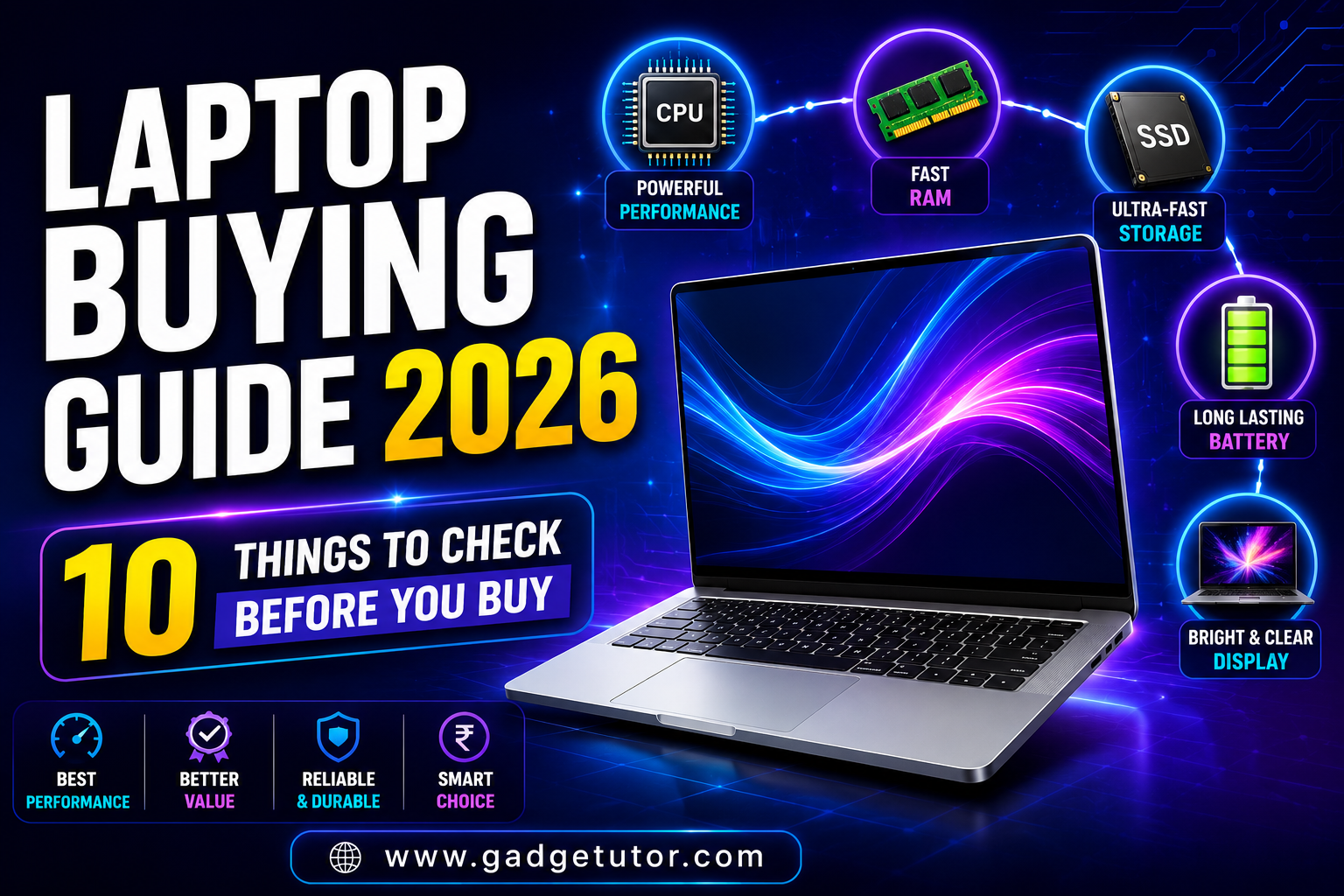
Laptop Buying Guide 2026 is your complete resource for choosing the perfect laptop without overspending. Whether you’re a student, professional, gamer, or content creator, understanding key specifications such as processor, RAM, SSD storage, display quality, and battery life can help you make a smarter buying decision. In this guide, we’ll explain everything you need to know before purchasing a laptop in 2026.
The truth is simple: the best laptop isn’t the most expensive one—it’s the one that matches your needs and budget. Before spending ₹30,000 to ₹1,50,000 on a new machine, understand what specifications are important and which marketing terms can be ignored.
Step 1: Identify Your Usage
Before comparing specifications, ask yourself:
For Students
- Online classes
- MS Office
- Research and browsing
- Light coding
Recommended Specs:
- Intel Core i3 / Ryzen 3 or higher
- 8GB RAM
- 512GB SSD
For Professionals
- Excel
- Zoom meetings
- Multitasking
- Business applications
Recommended Specs:
- Intel Core i5 / Ryzen 5
- 16GB RAM
- 512GB SSD
For Content Creators
- Photoshop
- Premiere Pro
- Video editing
- Graphic design
Recommended Specs:
- Intel Core Ultra 5/7 or Ryzen 7
- 16GB–32GB RAM
- Dedicated GPU
For Gamers
- AAA Games
- Streaming
- Esports Titles
Recommended Specs:
- RTX-series graphics card
- Ryzen 7/Core i7 or better
- 16GB RAM minimum
Step 2: Choose the Right Processor
The processor (CPU) is the brain of your laptop.
Intel Processors
| Usage | Recommended |
|---|---|
| Basic Tasks | Core i3 |
| Students | Core i5 |
| Professionals | Core i5 / Core Ultra 5 |
| Creators | Core Ultra 7 |
| Gaming | Core i7 / Core Ultra 7 |
AMD Processors
| Usage | Recommended |
|---|---|
| Basic Work | Ryzen 3 |
| Students | Ryzen 5 |
| Professionals | Ryzen 5/7 |
| Gaming | Ryzen 7 |
| Heavy Workloads | Ryzen 9 |
Current-generation Intel Core Ultra and AMD Ryzen AI processors provide better efficiency and AI acceleration than older chips.
Step 3: How Much RAM Do You Need?
Many buyers regret purchasing laptops with insufficient RAM.
8GB RAM
Suitable for:
- Browsing
- Office work
- Online classes
16GB RAM
Suitable for:
- Multitasking
- Programming
- Content creation
32GB RAM
Suitable for:
- Video editing
- 3D rendering
- Machine learning
Most community experts recommend 16GB as the sweet spot for future-proofing in 2026.
Step 4: SSD vs HDD
HDD
✅ More storage
❌ Slower performance
SSD
✅ Faster boot times
✅ Faster software loading
✅ Better battery efficiency
Recommendation: Never buy a primary laptop with only an HDD in 2026. Choose at least a 512GB SSD.
Step 5: Pick the Right Display
Screen Size Guide
| Size | Best For |
|---|---|
| 13–14 inch | Students & Travelers |
| 15.6 inch | Most Users |
| 16 inch | Creators & Gamers |
| 17 inch | Desktop Replacement |
Resolution
Minimum recommendation:
- Full HD (1920×1080)
Premium options:
- 2.5K
- 3K
- OLED displays
Avoid HD-only (1366×768) displays whenever possible.
Step 6: Battery Life Matters
For portability:
Good
6–8 Hours
Better
8–10 Hours
Excellent
10+ Hours
Students and professionals should prioritize battery life over raw performance.
Step 7: Essential Ports Checklist
Before buying, check for:
✅ USB-A
✅ USB-C
✅ HDMI
✅ Headphone Jack
✅ Wi-Fi 6 or Wi-Fi 7
Many ultra-thin laptops sacrifice connectivity, requiring additional adapters.
Step 8: Budget Recommendations (India 2026)
Under ₹40,000
Best For:
- Students
- Online classes
- Office work
₹40,000–₹60,000
Best For:
- College students
- Programming
- Multitasking
₹60,000–₹90,000
Best For:
- Professionals
- Content creators
₹90,000+
Best For:
- Gaming
- Video editing
- Power users
Budget-conscious buyers should avoid compromising on RAM and SSD storage, as these affect long-term usability the most.
Common Laptop Buying Mistakes
❌ Buying solely based on brand
❌ Choosing 4GB RAM in 2026
❌ Purchasing HDD-only laptops
❌ Ignoring upgrade options
❌ Overpaying for gaming hardware you won’t use
❌ Buying a high-end CPU with insufficient RAM
These mistakes often lead to poor long-term value and performance issues.
Final Verdict
The ideal laptop depends on your needs—not marketing claims.
- Students should prioritize portability, battery life, and 8GB–16GB RAM.
- Professionals should choose at least a Core i5/Ryzen 5 processor with 16GB RAM.
- Creators need strong CPUs, color-accurate displays, and dedicated graphics.
- Gamers should focus on GPU performance before anything else.
A well-researched purchase can easily serve you for 4–6 years, making it one of the most important tech investments you’ll make.